Resources & free toolsA little structure.
A head start.
Practical kits for the work you want to do yourself. Open the guide, make it yours and build from there.
Digital kits. Your own workspace.
One business, at your pace.
Choose your next step.
Three are paid: the PropertyMe Templates Kit, the PropertyMe System Guide and the Branded Screens Kit. PropertyMe Templates Kit $163.90, PropertyMe System Guide $121 and Branded Screens Kit $163.90, each including GST. The rest are free. Every kit comes with its own setup guide.
Claude chat, Cowork, Claude Code or Codex · PropertyMe
Early release
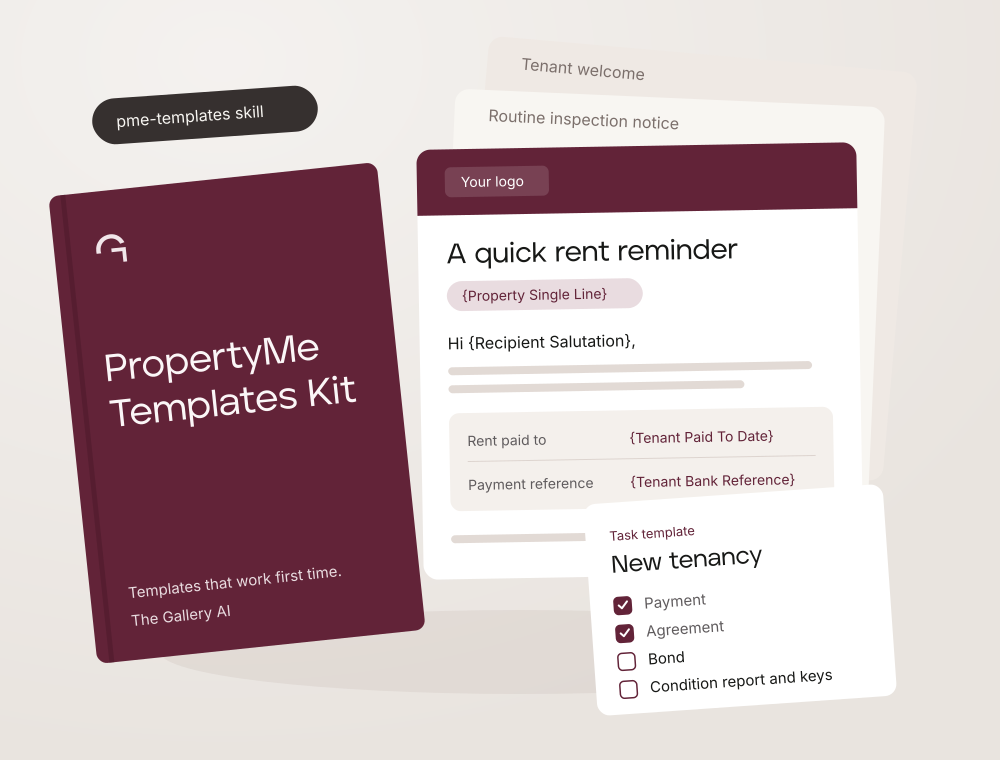
PropertyMe Templates Kit
PropertyMe templates that work first time.
$163.90AUD, including GST
$149 + GST · One-off purchase
See what’s inside
- The pme-templates skill: PropertyMe categories, merge fields, triggers, senders, HTML rules and install steps
- Twelve starter emails, from the tenant welcome to the owner statement
- Five worked task templates: new tenancy, lease renewal, vacate, rent arrears and routine inspection
- A brand profile template, an email gallery with invented sample details and a setup guide
You’ll need
Claude with Skills (a paid plan works best) or Codex in the ChatGPT desktop app, plus a PropertyMe login that can create message templates. Task templates need PropertyMe’s Standard plan or above.
Your first step
Upload pme-templates-skill.zip to Claude, or copy the skill folder for Claude Code or Codex. Then fill in your brand profile with the first prompt in the guide.
View the kit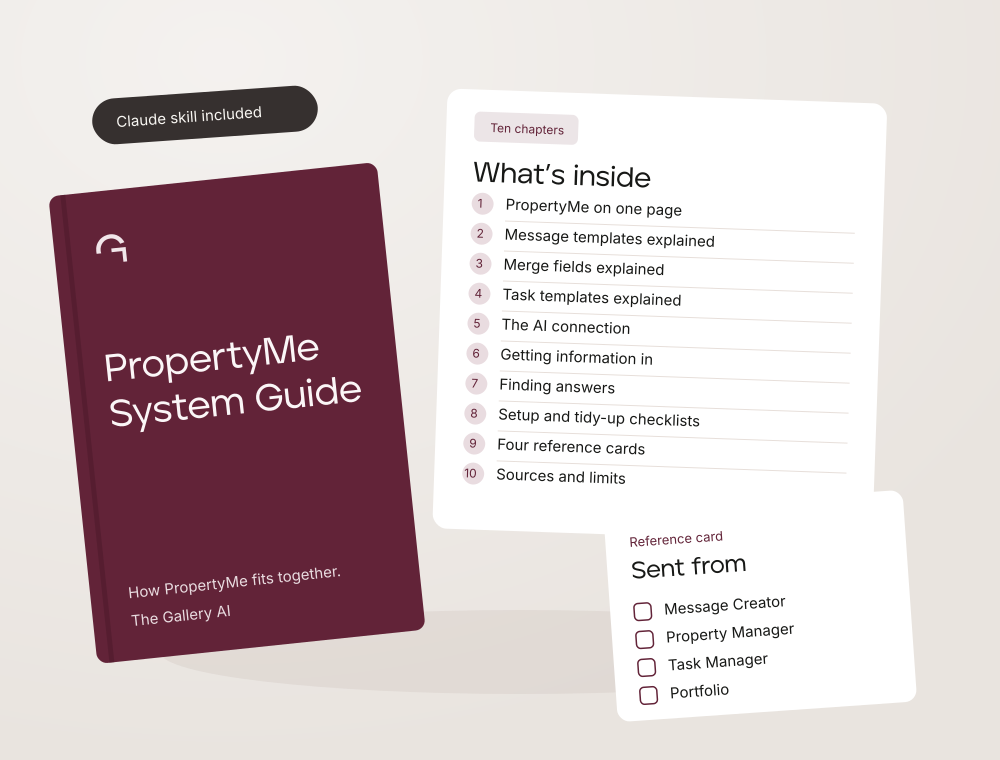
Any browser · Claude skill included · PropertyMe
Early release
PropertyMe System Guide
How PropertyMe fits together.
$121AUD, including GST
$110 + GST · One-off purchase
See what’s inside
- Ten chapters: PropertyMe on one page, message templates, merge fields, task templates, the AI connection, getting information in, a help centre finder, checklists, reference cards and sources
- Four reference cards to keep beside PropertyMe
- A Claude skill so your assistant answers PropertyMe questions from the guide
- A guide page you can open in any browser and a setup guide
You’ll need
A PropertyMe login. To use the skill you need Claude with Skills. The AI connection chapter assumes PropertyMe’s Manage PM Advanced plan.
Your first step
Unzip the guide, open START-HERE.md or guide.html and read chapter 1.
Claude or Codex
Early release
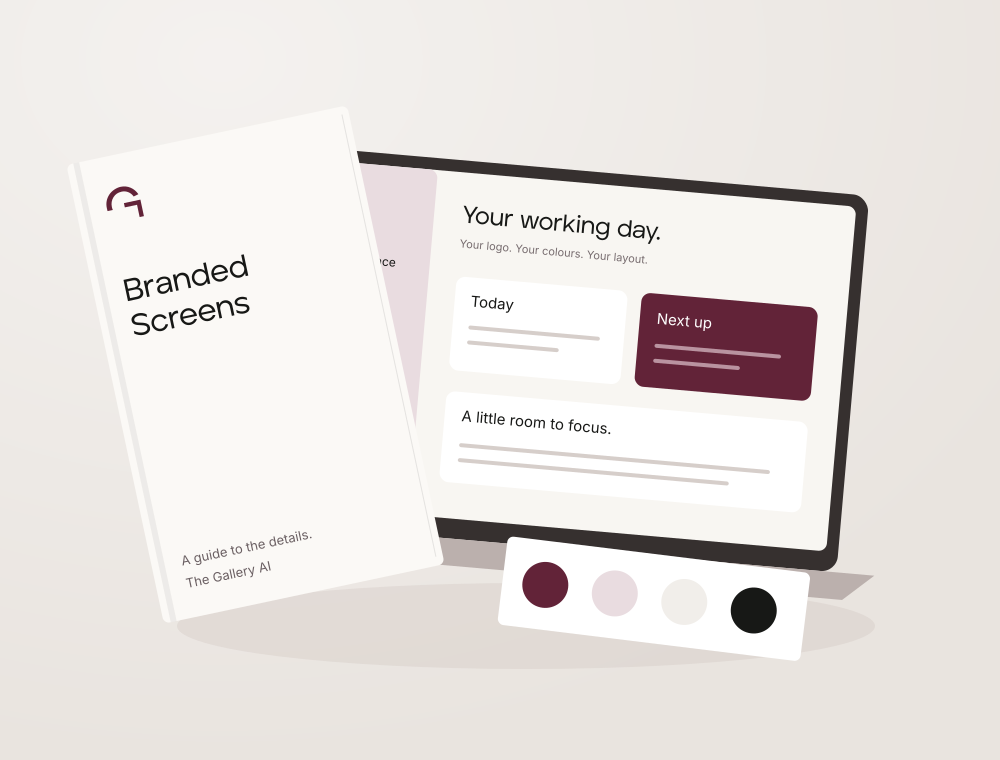
Branded Screens Kit
Design with Claude or Codex.
$163.90AUD, including GST
$149 + GST · One-off purchase
See what’s inside
- Brand-aware design skill with web and native reference notes
- Editable brand profile, interface tokens and acceptance checklist
- A customisable browser studio with three layouts
- Setup guide, source references and third-party licence notes
You’ll need
Codex or Claude with access to project files. Native app guidance is included but native implementation has not been tested.
Your first step
Open the setup guide and give your assistant your logo, brand guide and saved studio brief.
Try the free brand studioFree packs, too.
Choose a compatible pack and we’ll email your download and setup guide. You can find all the free packs, browser tools and reading guides in the resource library.
Claude Code or Codex
Early release
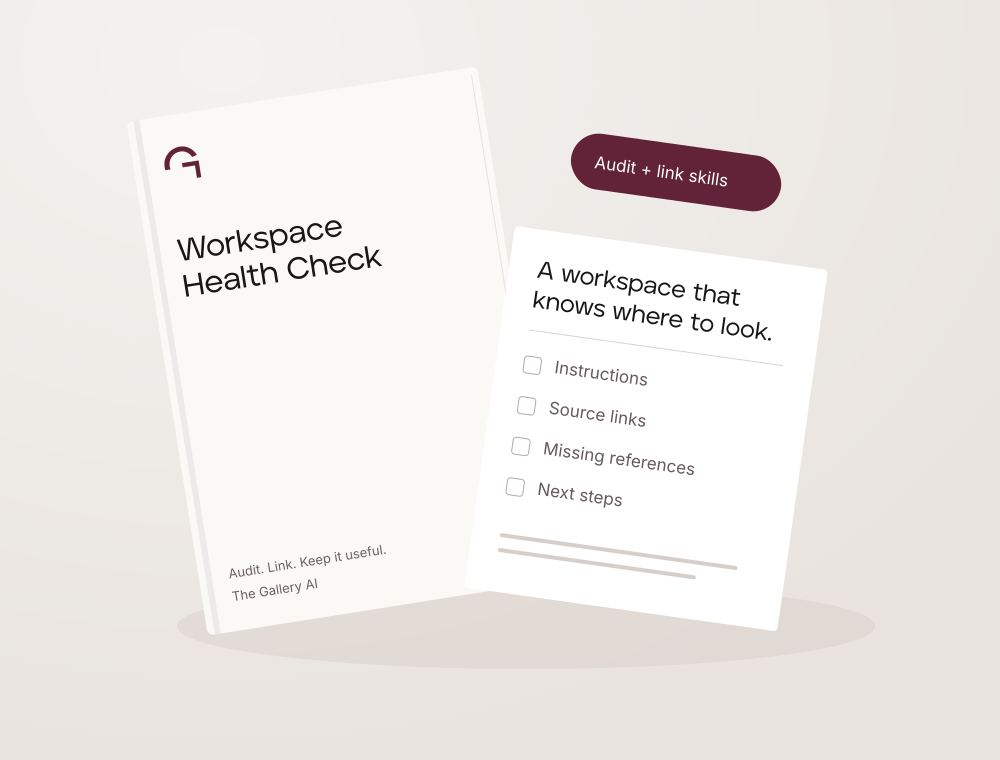
AI Workspace Health Check
Know what your AI can find.
Free
See what’s inside
- Workspace audit skill for checking instructions and source links
- Workspace link skill for adding new material deliberately
- Separate Claude Code and Codex installation folders
- Start-here file and setup guide with copy-ready prompts
You’ll need
Claude Code or Codex, opened on a project that already has a CLAUDE.md or AGENTS.md.
Your first step
Paste the install prompt from step 3, then run the workspace audit before changing anything.
Claude Code only
Early release
Claude Code Starter
A ready-made Claude Code workspace.
Free
See what’s inside
- A folder structure for context, references and decisions
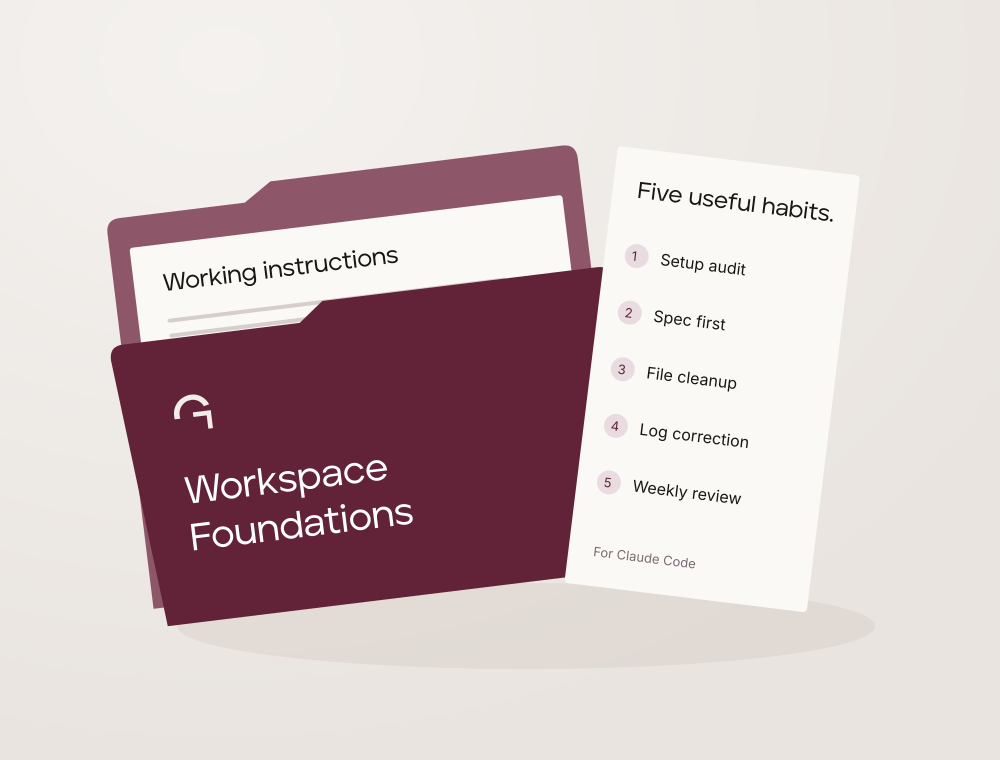
- Working instructions, active-work file and corrections log
- Five Claude Code skills: setup audit, spec first, file cleanup, log correction and weekly review
- Start-here file and setup guide with copy-ready prompts
You’ll need
Claude Code only. The included skills aren’t packaged for Codex.
Your first step
Unzip the pack, open the folder in Claude Code and type the prompt in step 3. Already have a workspace? Use the merge prompt instead.
Self-paced · Use with your AI assistant
Early release
Build your Business Brain
Make the business easier to understand.
Free
See what’s inside
- Guided intake and platform setup instructions
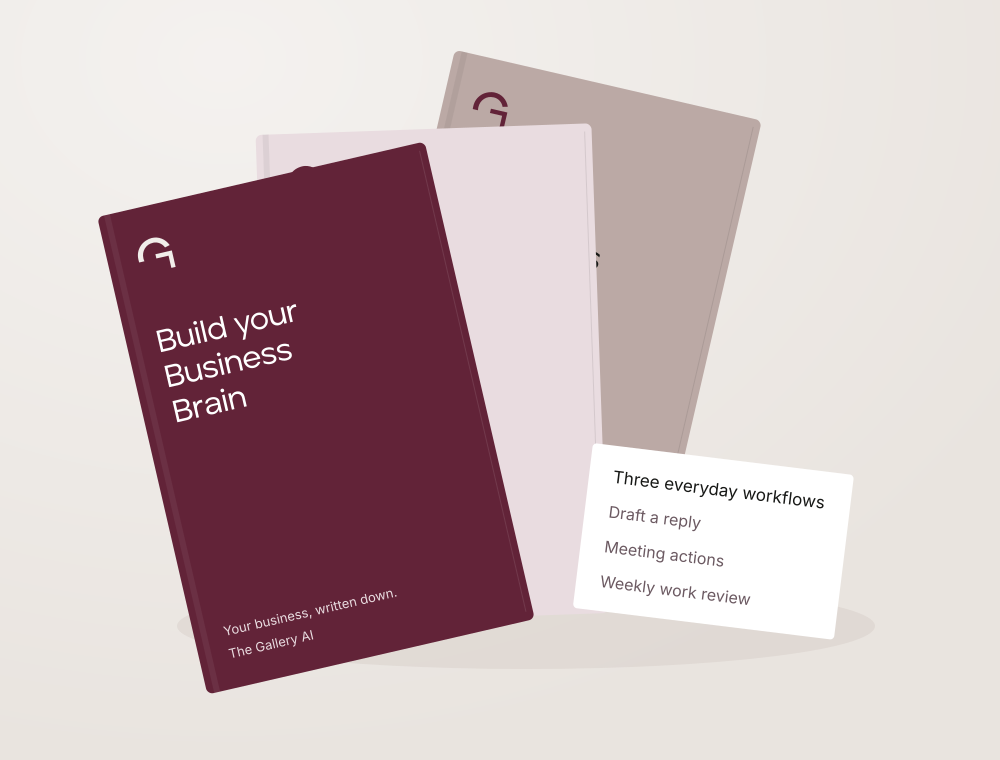
- Five editable templates: business, voice, working rules, sources and progress
- Three workflows: draft a reply, meeting actions and weekly work review
- Setup checks and an update-your-brain guide
You’ll need
Your own Claude or ChatGPT account. A free plan is enough to start.
Your first step
Start with the guided intake, then check the business context in your own words.
General-business edition · Use with your AI assistant
Early release
Business Growth Toolkit
Positioning, website and local search.
Free
See what’s inside
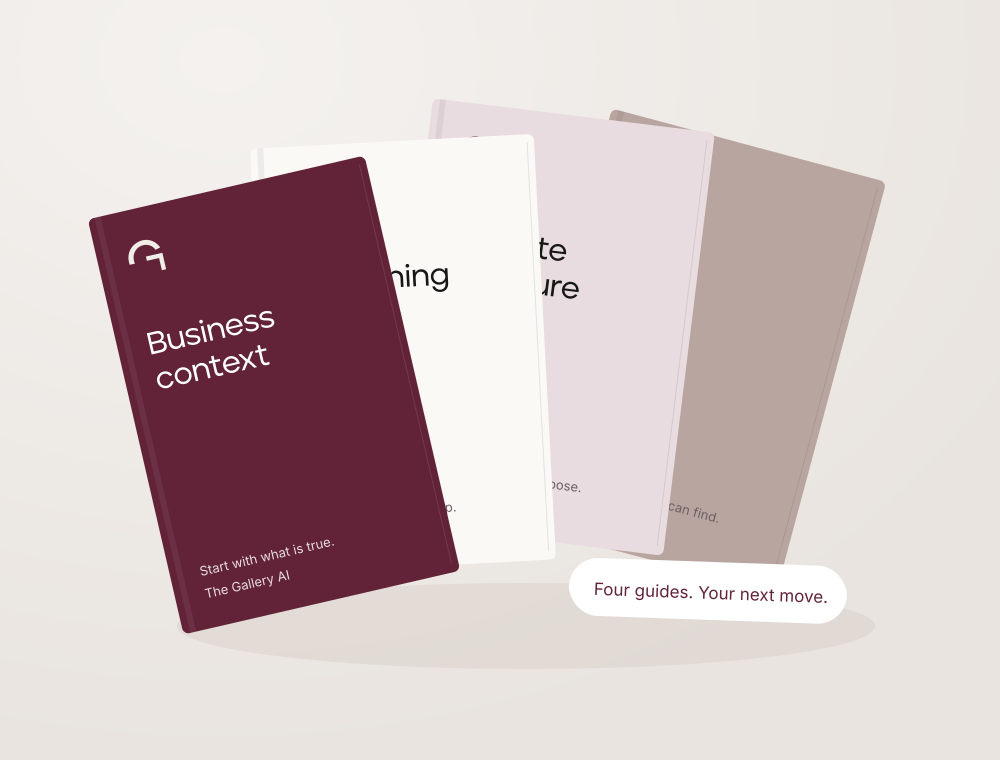
- Business Brain method guide
- Positioning guide
- Website structure guide
- Local-search audit guide and start-here instructions
You’ll need
Claude, ChatGPT or another AI assistant, plus current information about your business. General-business edition.
Your first step
Write down what the business does and who it helps, then work through one guide at a time.
Before you choose.
Early-release material. These packs have not yet been tested with an independent learner. You’ll need your own AI account; any account charges are separate. Personal setup, integrations and ongoing consulting aren’t included.
For a free kit, tell us who it’s for and we’ll email your download link and setup guide. The download link lasts seven days and the setup guide link lasts a year.
For a paid kit, you pay securely with Stripe, then we email a private kit library with your download and setup guide. That link lasts seven days. Stripe sends your receipt separately.
Keep the files for internal use in one business. No subscription or customer login.
Need help opening your files? Contact download support.
Start with a free browser tool